 Zupiq
ZupiqGeometry Solver — Area, Volume & Angles Step by Step
Solve geometry problems with Zupiq. Calculate areas, volumes, perimeters, and angles with clear step-by-step explanations — take a photo, write by hand, or type your problem.


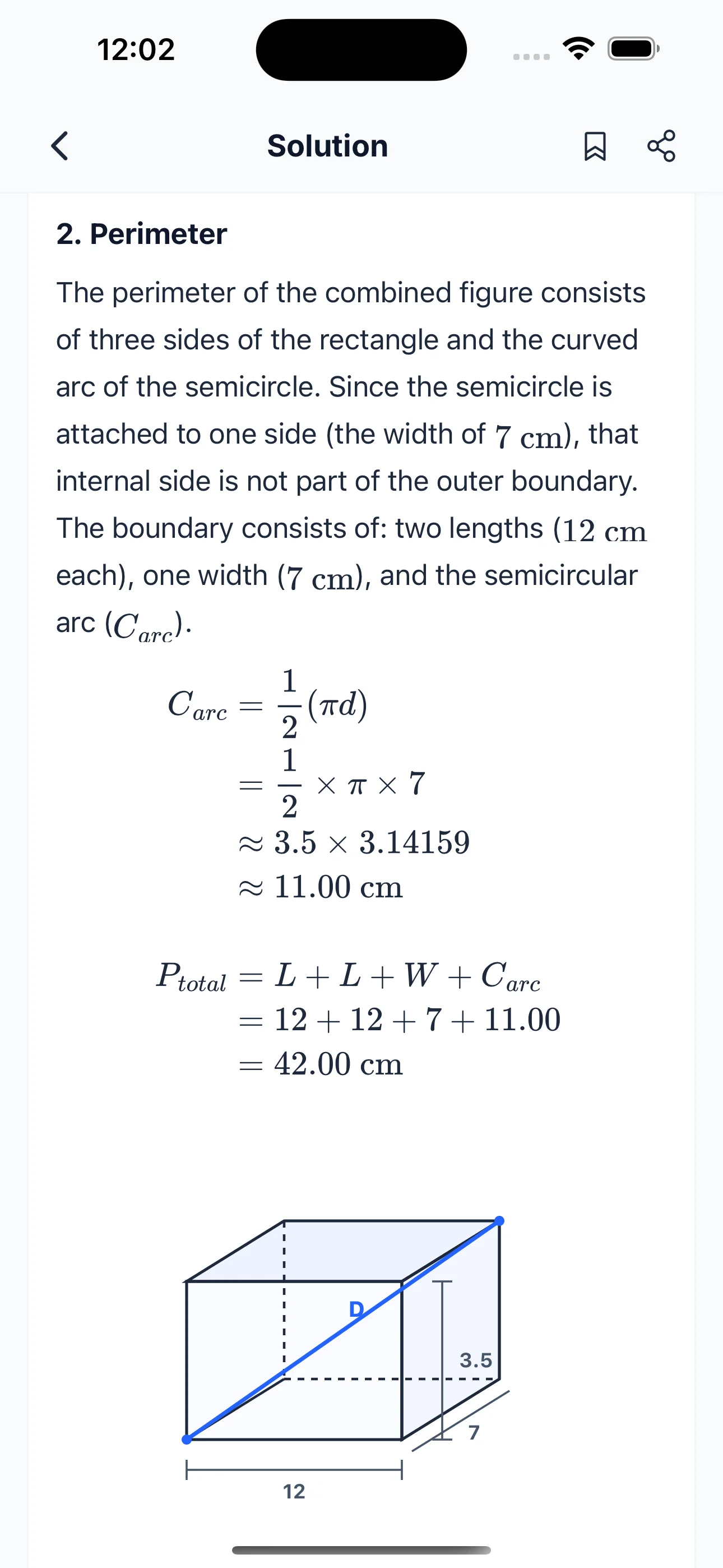
How It Works
Solve any math problem in 4 simple steps
Capture or Type
Take a photo, write by hand, or type your math problem directly into Zupiq.
AI Understands
Zupiq's AI reads and interprets the problem — handwritten, printed, or typed.
Get Step-by-Step Solution
Every step is shown clearly so you can follow along and understand the method.
Learn & Improve
Build real understanding, practice similar problems, and track your progress.
Supported Math Topics
What math can Zupiq solve?
From basic arithmetic to advanced calculus — Zupiq handles it all.
Why Zupiq
Why students choose Zupiq
Zupiq doesn't just give you the answer — it teaches you how to get there, so you actually understand the math.
- Step-by-step explanations, not just answers
- Works with photos, handwriting, and typed text
- Covers algebra, calculus, geometry, and more
- Generates diagrams and graphs for visual problems
- Supports multiple languages
- Track progress and build study habits
- Available on iOS and Android
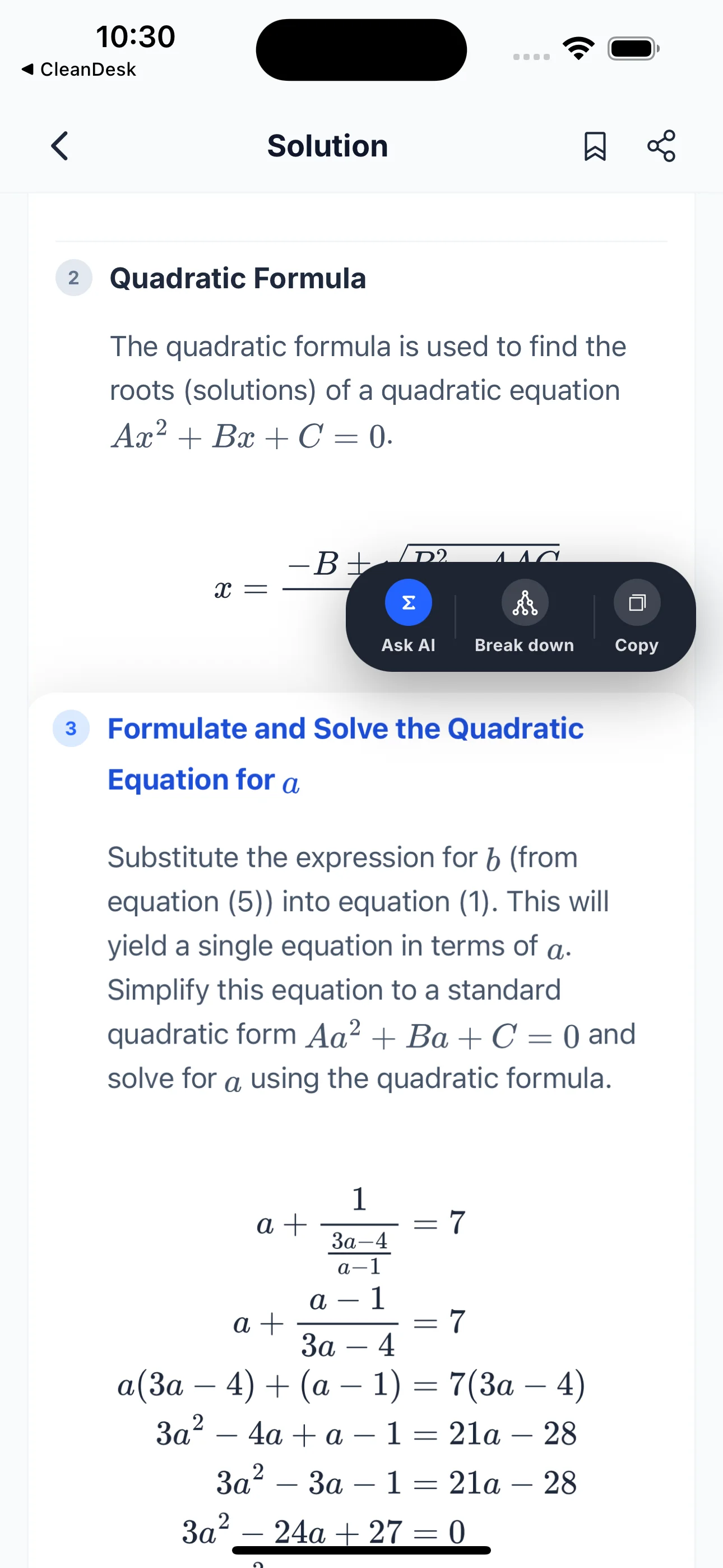
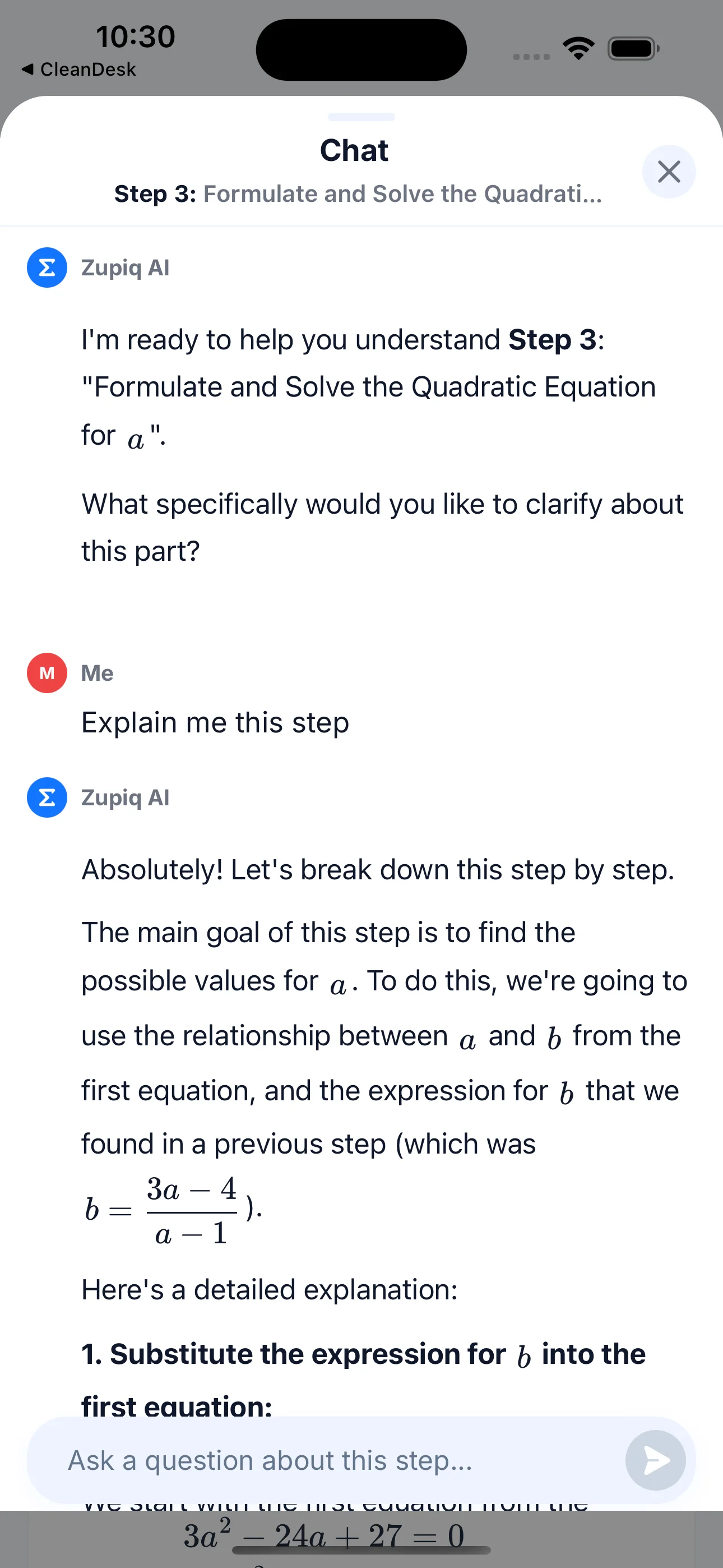
Example Problem
See how Zupiq solves geometry step by step
FAQ
Geometry solver questions
Solve geometry problems with AI
Download Zupiq and get step-by-step geometry solutions from a photo, handwriting, or text.